Error code guide
Hue bulb shows as “unreachable” in the app
One or more Hue bulbs are greyed out and ignore scenes, while the Bridge LEDs are blue.
Error or symptom: Bulb unreachable / offline · Difficulty ●●○○○ (2/5) · Time 10–25 min · Cost free · Tools wall switch, Hue app
Likely cause
The wall switch is off, the bulb is too far from the rest of the Zigbee mesh, an incompatible dimmer causes micro power cuts, or a firmware update is pending.
Fix it step by step
- Leave the wall switch on at all times (or fit a Hue wall switch module so the bulb stays powered).
- Move the bulb temporarily closer to another Hue light that is switched on.
- In the app, open the bulb settings; delete it and add it again if needed.
- Update the firmware (Settings, then Software update).
- If this one bulb fails in several different fittings, the bulb itself may be faulty.
These steps do not involve opening the product. If it is still under warranty, contact the manufacturer before any repair.
Official help: Philips Hue support.
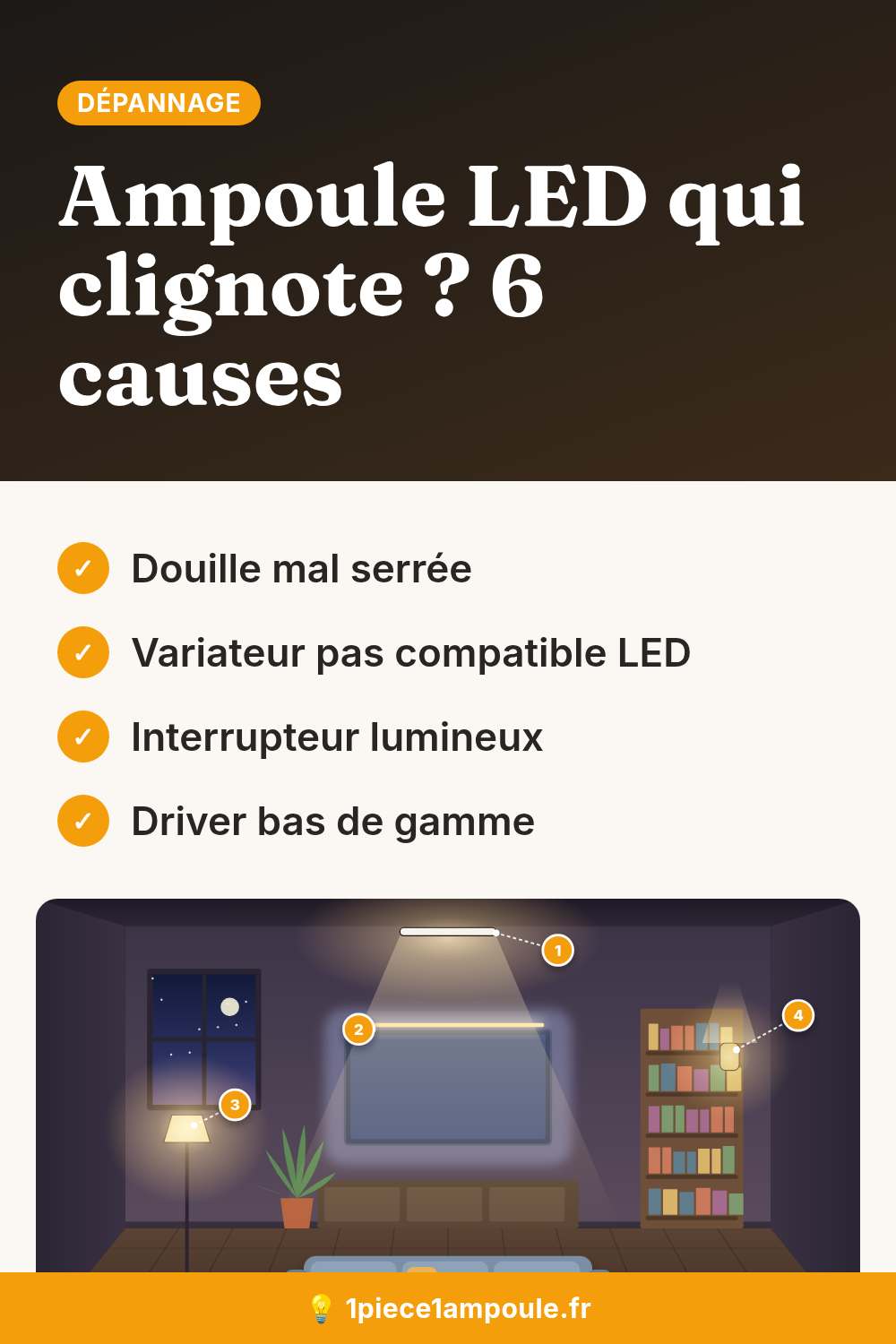
| Difficulty | ●●○○○ (2/5) |
|---|---|
| Time | 15–30 min |
| Cost | 0 € |
FAQ
What does “Hue bulb shows as “unreachable” in the app” mean on this model?
One or more Hue bulbs are greyed out and ignore scenes, while the Bridge LEDs are blue.
Can I fix this without voiding warranty?
These steps do not involve opening the product. If unsure, contact the manufacturer before repairing.
Have a question about this lighting or your wiring? Ask it here
Tell us the room, the bulb base or your setup (B22, E27, GU10): we reply by email within 1 to 2 working days.